tool in the toolbox.
Change the deformation scale factor
-
From the main menu bar, select
;
or use the
 tool in the toolbox.
Context: From the main menu bar, select
; or use the
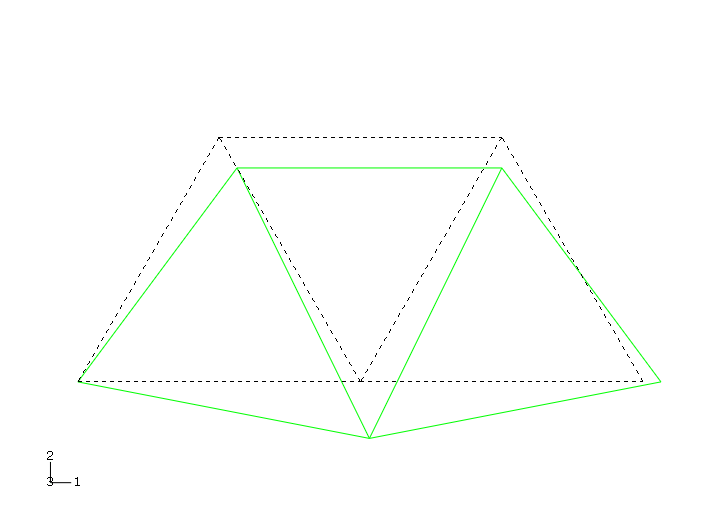
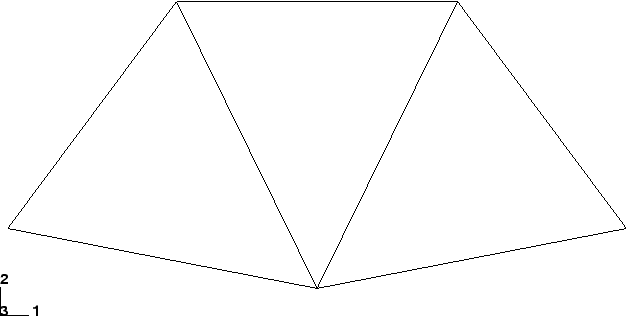 For small-displacement analyses (the default formulation in Abaqus/Standard) the displacements are scaled automatically to ensure that they are clearly visible. The scale factor is displayed in the state block. In this case the displacements have been scaled by a factor of 42.83. Change the deformation scale factor
Superimpose the undeformed model shape on the deformed model shape
| |||||||
 tool in the toolbox to allow multiple plot states in the
viewport; then click the
tool in the toolbox to allow multiple plot states in the
viewport; then click the
 tool or select
 tool in the toolbox to change the edge style of the superimposed
(i.e., undeformed) image.
tool in the toolbox to change the edge style of the superimposed
(i.e., undeformed) image.